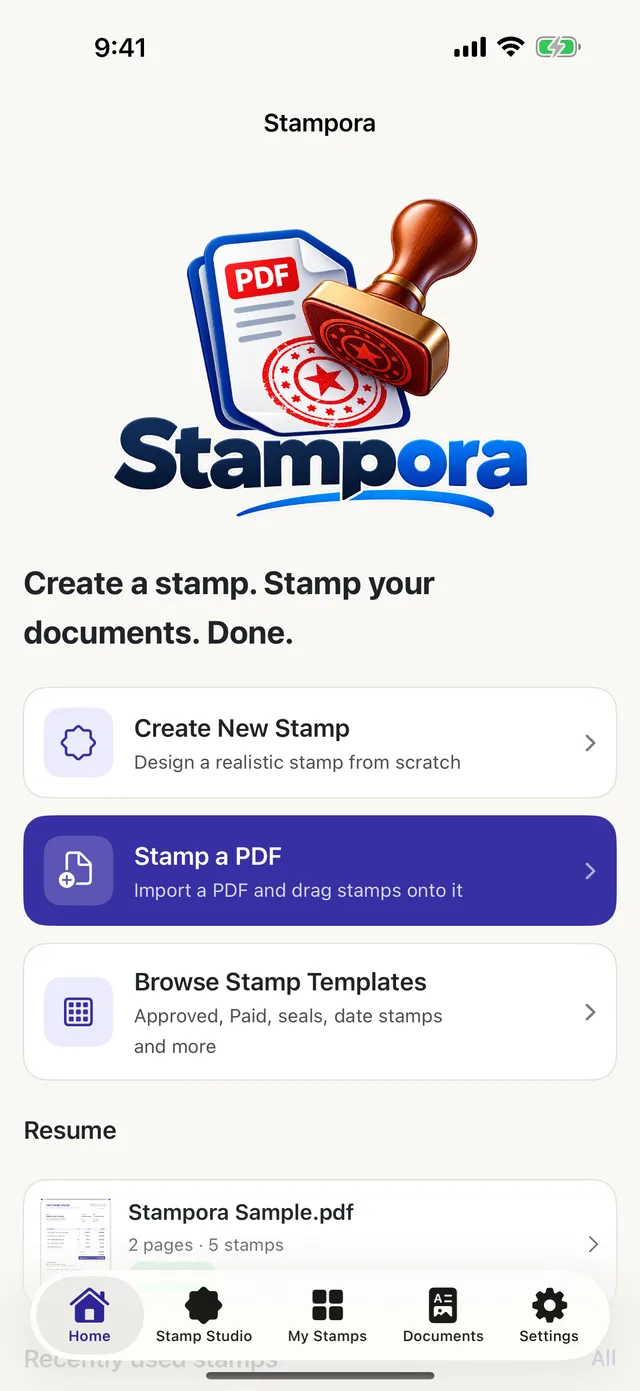
Create a stamp. Stamp your documents. Done.
Stampora makes realistic rubber stamps and lets you drag them anywhere on a PDF, then exports a real stamped copy. Private, offline, no account.
- No account
- Works offline
- Files never leave your device
From blank page to stamped PDF in three moves
No layers to wrestle, no export settings to decode. Pick a stamp, put it where it belongs, share the result.
-
Design or pick a stamp
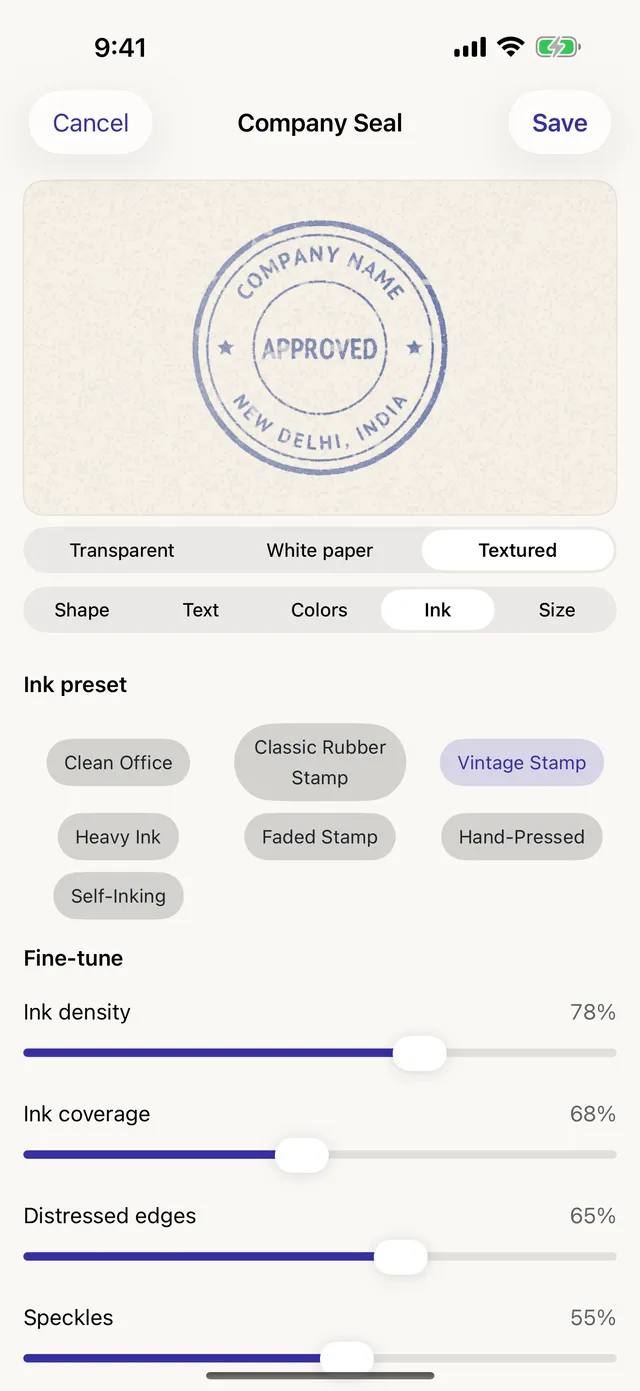
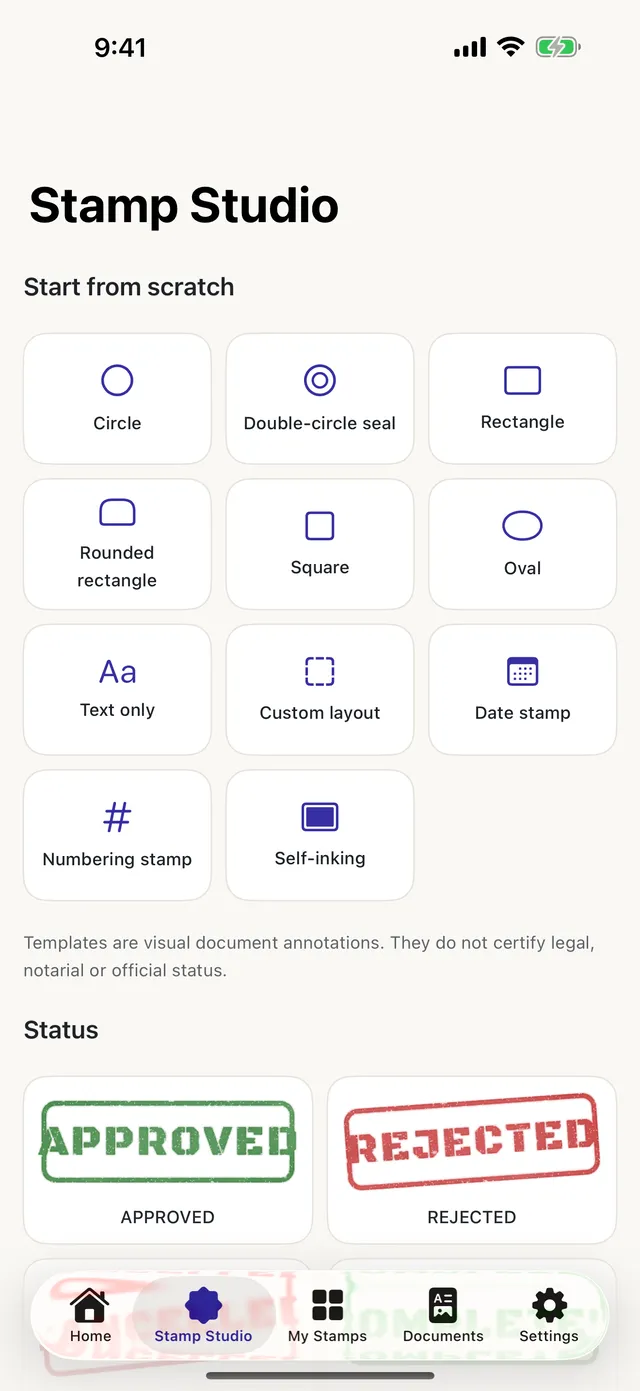
Start from one of 25 templates or build your own: shapes, curved text, colours and seven ink styles.
-
Drag it anywhere
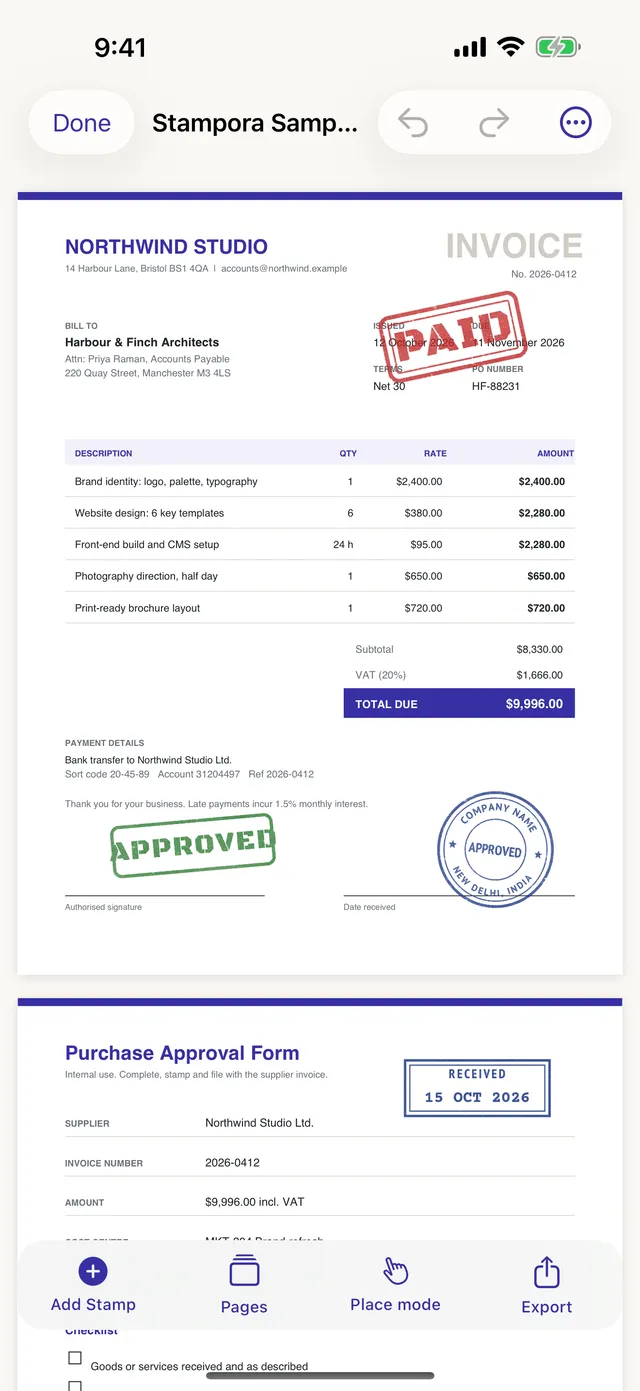
Drop it on any page, over text or into the margin. Resize, rotate, type exact positions, copy it to other pages.
-
Export a real PDF
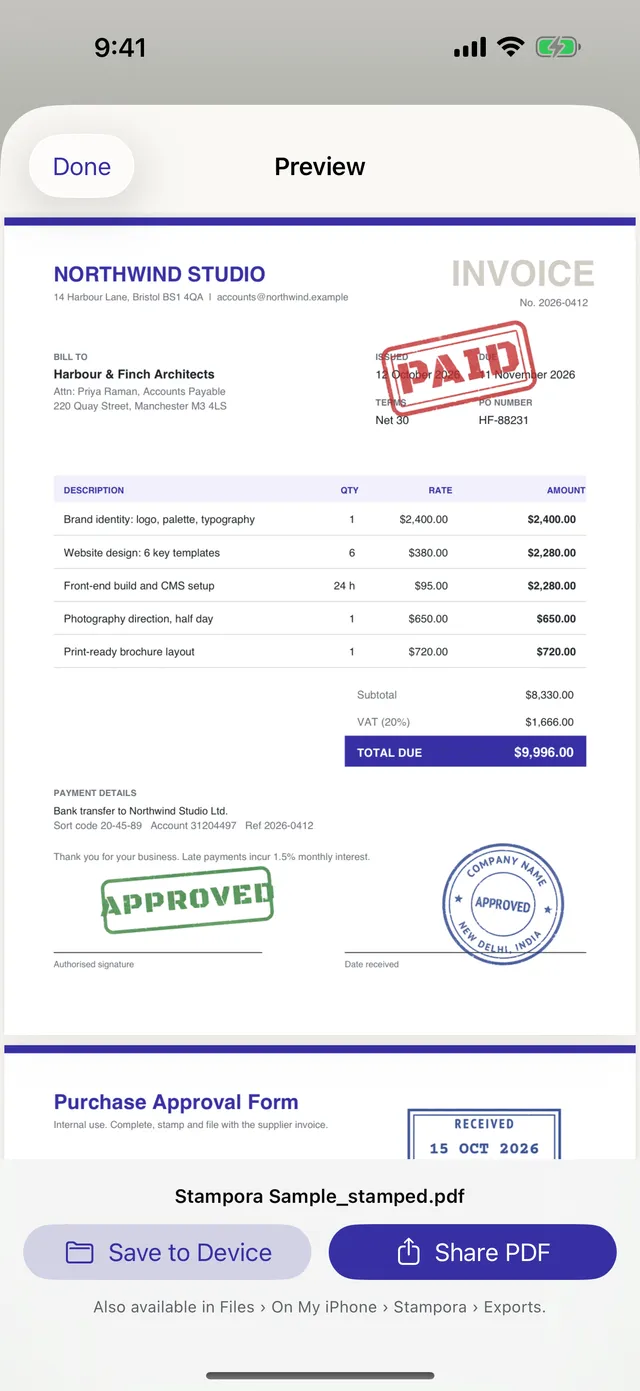
The stamp is written into the PDF itself. Save the copy to your device or share it in one tap.
Ink that behaves like ink
Stampora doesn’t just tint a picture. It builds each impression the way a real stamp transfers ink, then remembers it so your stamp looks the same every time.
- Seven ink styles from a crisp office stamp to a worn vintage seal.
- Fine control over density, coverage, distressed edges, speckles, ink bleed and pressure.
- Curved text around round seals, eight bundled fonts, icons, rings and borders.
- Transparent artwork with no white boxes, so stamps sit naturally on the page.
- Clean Office
- Classic Rubber
- Vintage
- Heavy Ink
- Faded
- Hand-Pressed
- Self-Inking
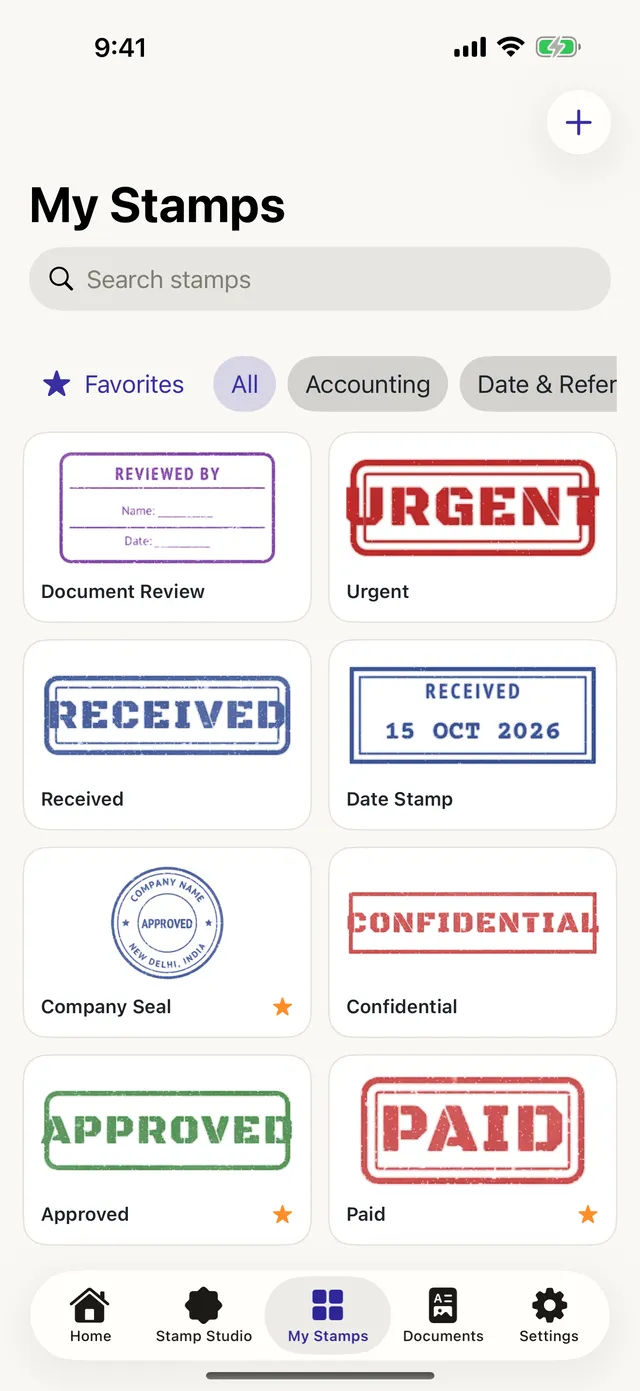
Photograph a stamp or a signature
Got a real company stamp or a handwritten signature? Take a photo and Stampora turns it into clean, transparent artwork you can place like any other stamp.
- Paper removed on your device, even with shadows and uneven lighting.
- Signature mode keeps fine pen strokes and recolours them to clean ink.
- Trim, tune, save. Adjust the result before you use it.
A signature image is a visual mark only. It isn’t a certified electronic signature.
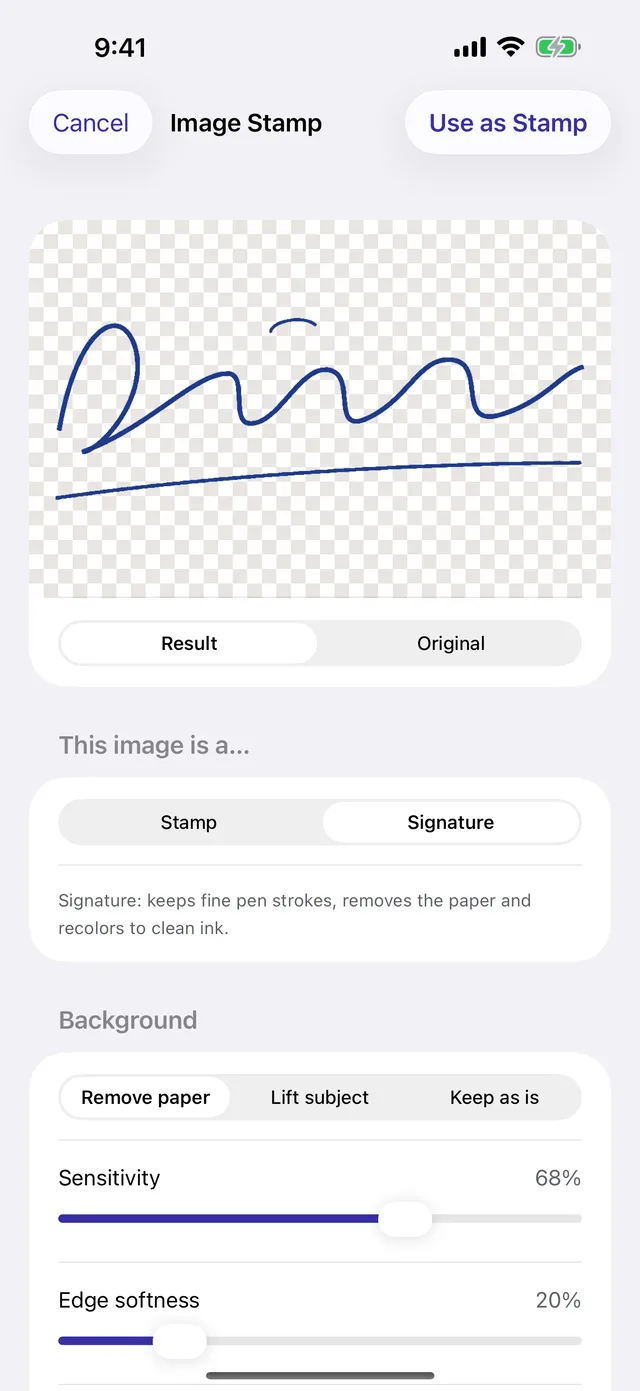
Made for real paperwork
Invoices, approvals, receipts, internal files. Everything is built to leave your original document exactly as it was.
- A real PDF, not a screenshot. Original text, images and layout stay untouched and pages are never flattened.
- Many pages, one tap. Copy a stamp to all, odd, even or chosen pages.
- Watermarks as large text or repeated stamps, even behind the page content.
- Your original is never modified. Stampora works on a private copy and exports a new file.
- APPROVED
- PAID
- RECEIVED
- CONFIDENTIAL
- DRAFT
- URGENT
- Company seals
- Date stamps
Your documents stay yours
Contracts and invoices are sensitive. Stampora is built so that we never see them.
No account
Open the app and start. No sign-up, no email address.
Works offline
Everything runs on your device. The Android app doesn’t even request internet access.
Nothing uploaded
PDFs and photos are processed locally and never sent anywhere.
No tracking
No ads, no analytics, no third-party SDKs.
A closer look
Swipe through the app. iPhone shown; iPad and Android tablets get a wider layout.
Questions
Does Stampora work without internet?
Yes. Designing, placing and exporting all happen on your device, so it works in airplane mode.
Are the stamps legally binding?
Stamps are visual annotations. On their own they don’t provide legal, notarial or official certification, so check what the receiving organisation requires.
Does it change my original PDF?
No. Stampora works on a private copy and exports a new file. In that file the original text, images and layout are left as they were.
Which devices are supported?
iPhone and iPad with iOS 17 or later, and Android phones and tablets with Android 8.0 or later.
Can I use my own logo or signature?
Yes. Take a photo or pick an image and Stampora removes the background so you can use it as a stamp.
What about password-protected PDFs?
You can open them with the password (on Android, protected PDFs need Android 15 or later). Stampora never removes a document’s protection, so a protected PDF can be viewed but not exported with stamps.
Create a stamp. Stamp your documents. Done.
No account needed. Works offline.